




Cold Ice Remastered
Mod for Half-Life (1998) | Category: Total Conversion
 Modbadger
Mod for Half-Life (1998) | Category: Total Conversion
Cold Ice Remastered - a remaster of the classic multiplayer mod for Half-Life featuring improved graphics, new weapons, maps, modes, and lots of features - all in a snowy atmosphere filled with humor and chaos.


Localizations:

Localizations:
The mod is localized into 1 language
(You don’t need to download anything extra to play in these languages)
The mod offers:
Over 30 new weapons, including iconic references like the Railgun from Quake II and dual-wield options (SMG, Desert Eagle, etc.).
New small gameplay mechanics.
New and reworked maps: Frostfire, Defroster, QuadFrost, Glupshitto, Cold_Base, and other legendary maps of the mod, all in a winter setting.
A variety of game modes: standard Deathmatch and Mutators, GunGame, Capture the Chumtoad, Instagib, and more.
Modern interface and visual upgrades: single-player campaign selection menu, improved HUD, iron sight animations, holster animations, shadows, smoke effects, and more.
The mod preserves the spirit of the original Cold Ice: explosive, chaotic, and humorous battles featuring cameos of famous characters (Samuel L. Jackson, Hans Gruber, Leeroy Jenkins).
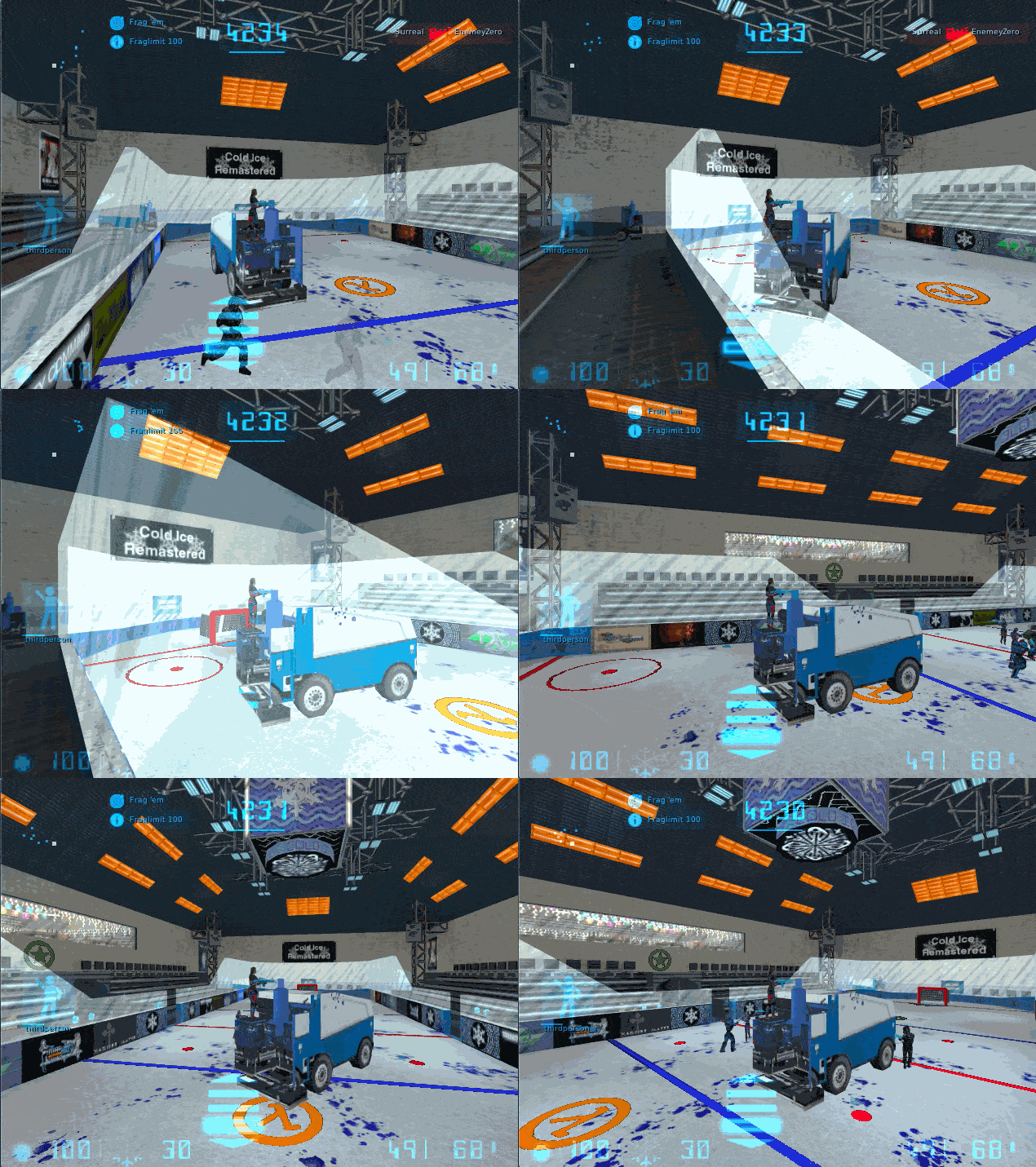
This is not just a remake - it's a full remaster, adapting the classic to modern standards, adding a huge amount of content and mechanics, and making multiplayer gameplay even more engaging.
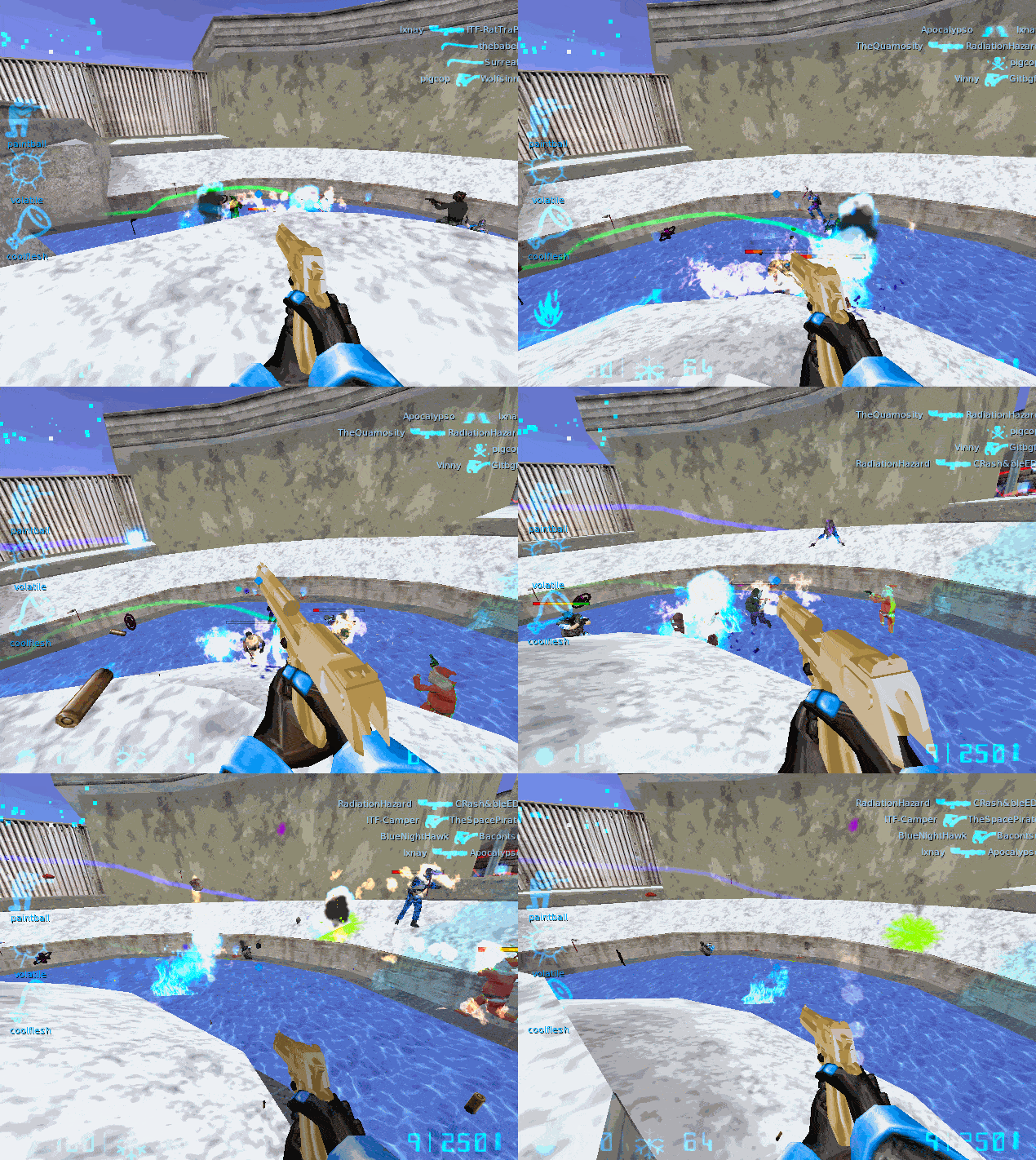
How to install a mod Cold Ice Remastered
Unpack the archive.
Move the folders ice_beta5 and ice_beta5_sp to the root directory of the game.
(Optional) Move the contents of the ice_beta5_hd folder into ice_beta5 if you want to play with HD textures.
Launch the game, go to the "Change game" menu and select either the multiplayer mode (Steam version required) or single-player.
Enjoy!
To avoid entering the "Change game" menu every time you start the mod, you can:
Option 1: Launch via shortcut
Go to the properties of hl.exe and in the Target field (for example: "D:\Games\Half-Life\hl.exe") add a space and then write -game followed by the name of the mod folder in the game root directory. It should look like this: "D:\Games\Half-Life\hl.exe" -game mod_folder_name
Apply the changes.
Launch the mod using this shortcut.
Option 2: Launch via Steam
Open Steam, click on the "Games" menu > "Add a Non-Steam Game".
Browse to the game folder and select hl.exe.
A shortcut will appear in your library.
Right-click on it, select Properties, and in the "Launch Options" field write the full path to hl.exe (for example: "D:\Steam\steamapps\common\Half-Life\hl.exe") and add -game plus the mod folder name after a space. It should look like this: "D:\Games\Half-Life\hl.exe" -game mod_folder_name
Launch the mod through this Steam shortcut.
References


