




Half-Life: Enriched
Mod for Half-Life (1998) | Category: Total overhauls
 Modbadger
Mod for Half-Life (1998) | Category: Total overhauls
Half-Life: Enriched is a mod that carefully updates and expands the original Half-Life campaign maps. The author improved lighting, doubled texture resolution, and reduced loading screens between levels while keeping the authentic gameplay intact.


Localizations:

Localizations:
The mod is localized into 1 language
(You don’t need to download anything extra to play in these languages)
The goal of the project is to show Half-Life as you know and love it, but sharper, more refined, and polished.
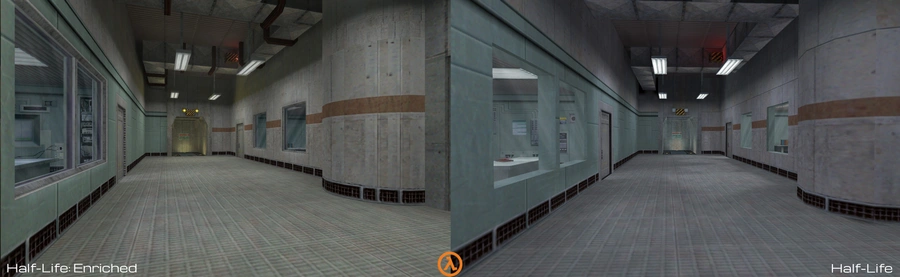
Complete overhaul of Half-Life’s singleplayer campaign
Half-Life: Enriched reworks every original map with expanded layouts, improved visuals, and added detail. It still feels like the Half-Life you know, only sharper and more polished.
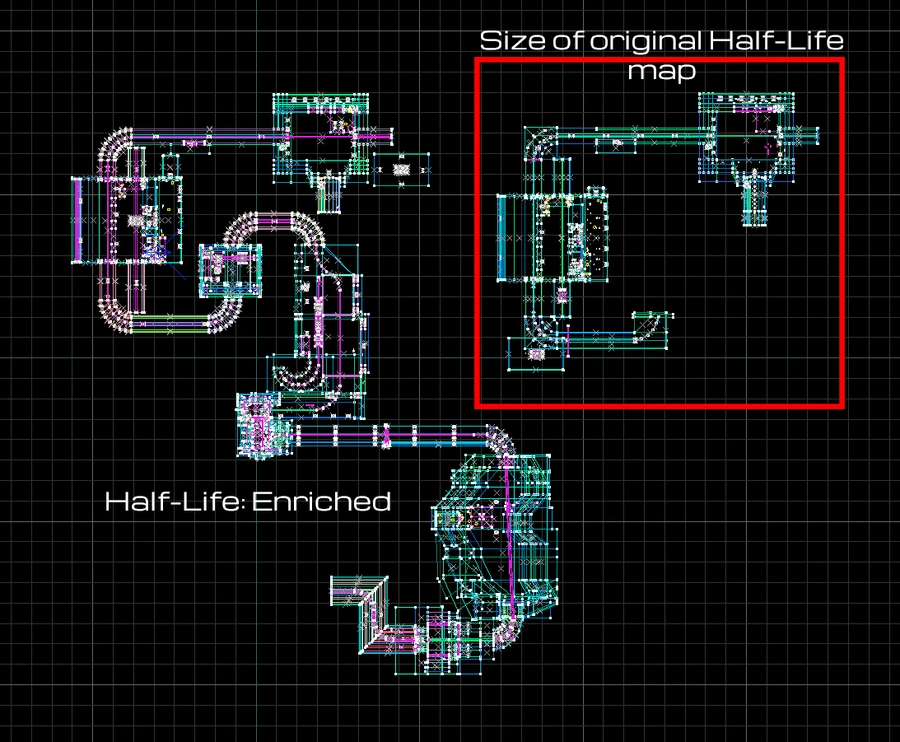
50% fewer loading screens
By merging maps, Half-Life: Enriched halves the number of loading points, smoothing gameplay flow and occasionally unlocking new possibilities.
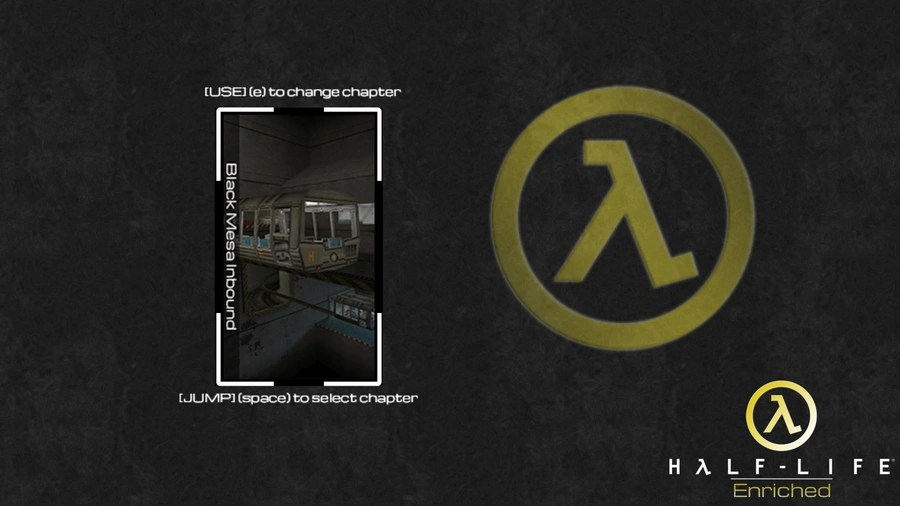
Chapter selection menu
Easily jump into your favorite chapter or start the story from the very beginning.
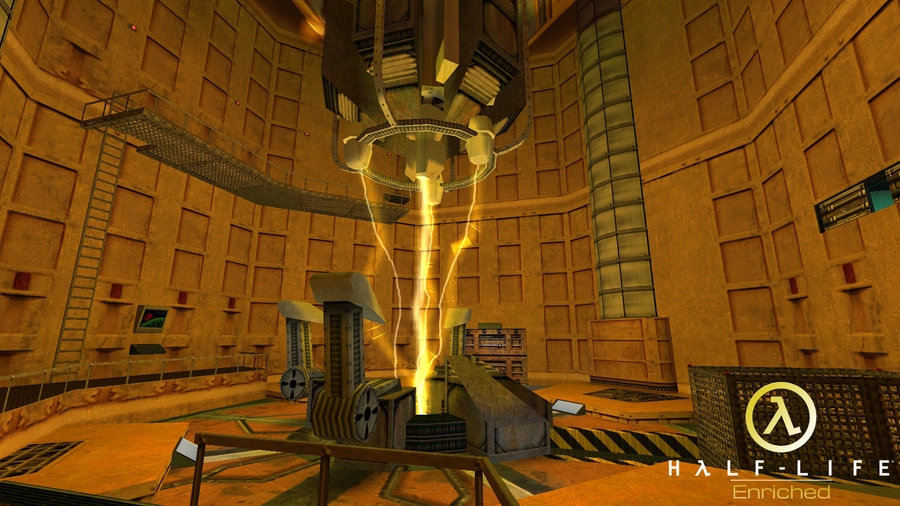
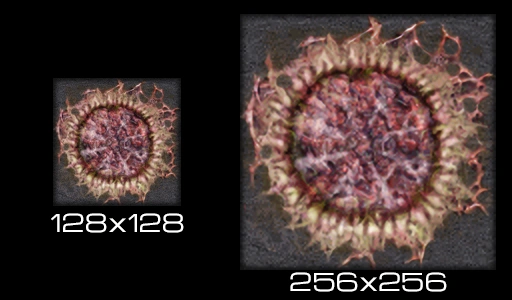
Upscaled texture resolution
All original Half-Life textures have been AI-upscaled from 128x128 to 256x256 pixels, doubling the visual sharpness and making the world look far more detailed.
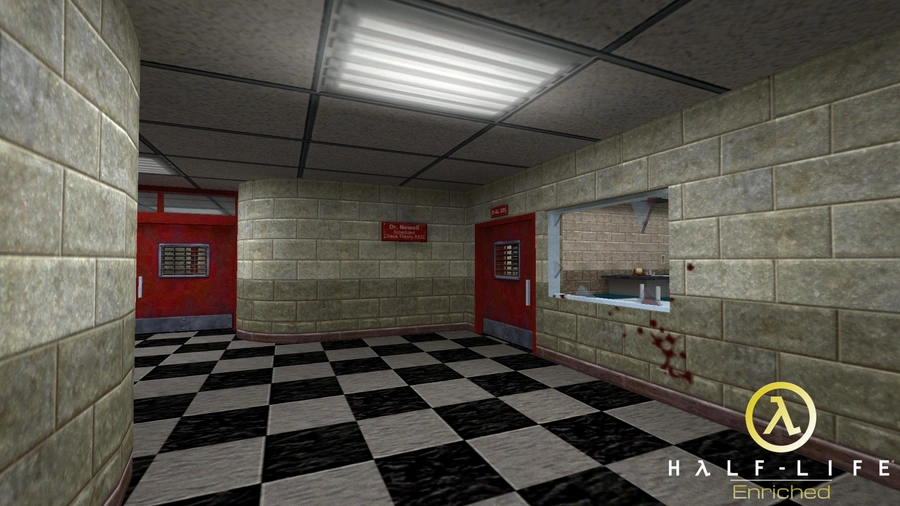
Completely retextured with 400+ new variants
Every map was retextured during the upscaling process, fixing old errors and adding hundreds of new texture variations to bring richer detail and visual variety.
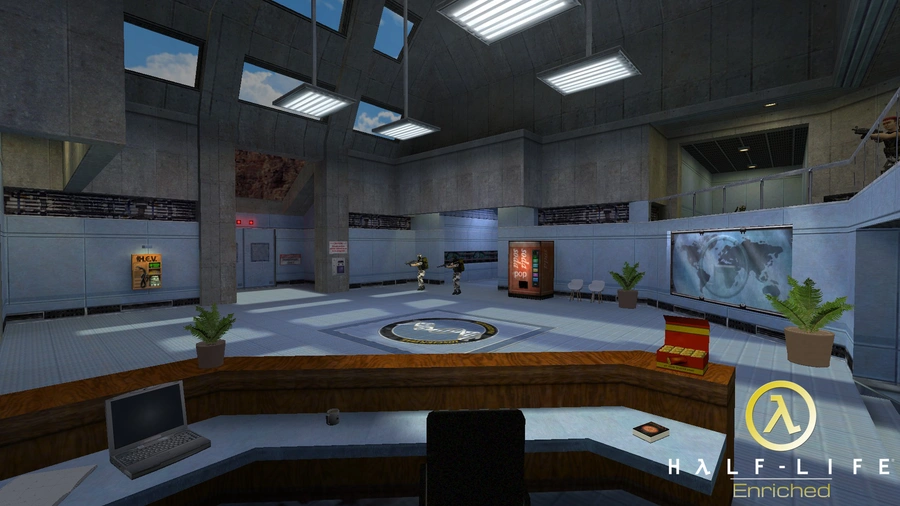
Reworked lighting effects
Sharper lightmaps and refined lighting make shadows and highlights more pronounced. Nearly all lights now feature realistic glows and softer illumination.
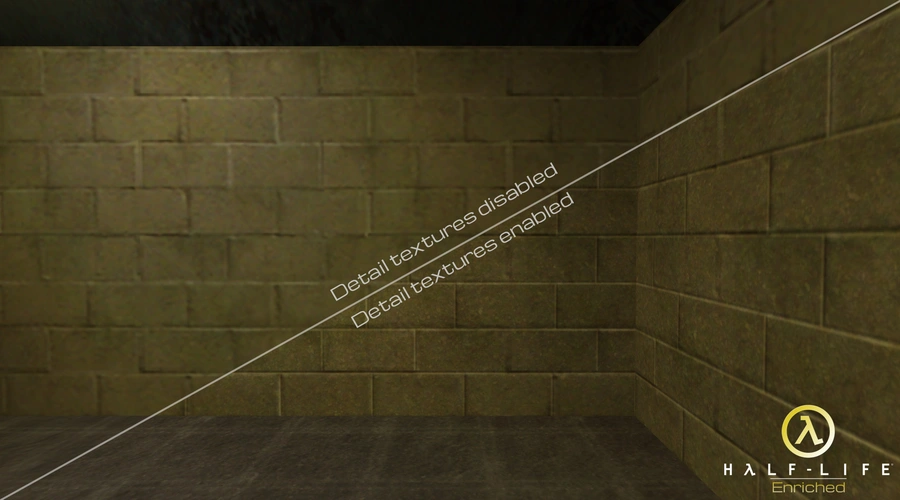
Detail overlays for every texture
Optional detail overlays enhance surface sharpness across all maps and can be toggled on or off to match your preference.
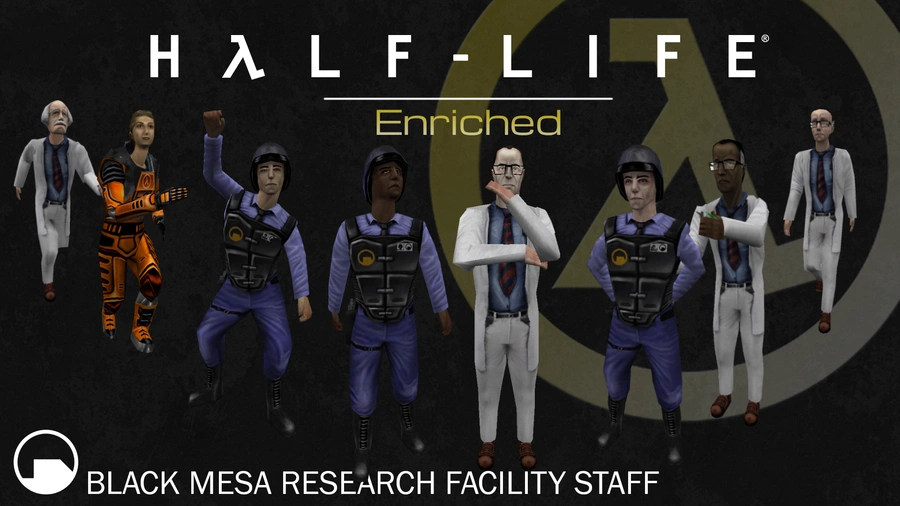
Updated weapon, NPC, and monster models
All original models have been upgraded with higher texture resolution and increased poly counts, while keeping the authentic 1998 Half-Life aesthetic.
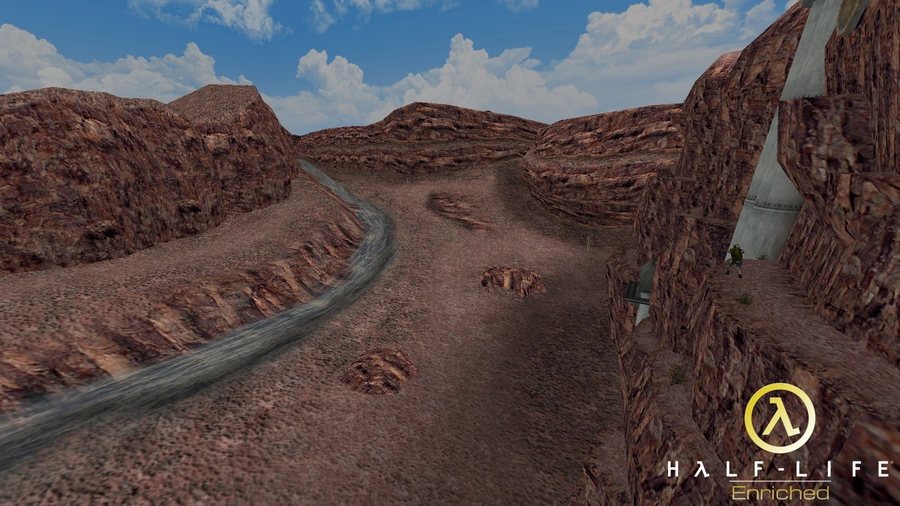
New 3D skyboxes
Low-resolution 2D backdrops have been replaced with fully modeled 3D landscapes, adding depth and immersion to every environment.
Partial support for legacy Half-Life versions
Includes compatibility files for the old retail (WON) version of Half-Life. Most of the campaign is playable, though some features like random monster spawns and co-op mode may be missing.
How to install a mod Half-Life: Enriched
Extract the enriched folder and place it into the root directory of the game.
Launch the game, go to the Change game menu, and select the mod.
Play!
To avoid entering the "Change game" menu every time you start the mod, you can:
Option 1: Launch via shortcut
Go to the properties of hl.exe and in the Target field (for example: "D:\Games\Half-Life\hl.exe") add a space and then write -game followed by the name of the mod folder in the game root directory. It should look like this: "D:\Games\Half-Life\hl.exe" -game mod_folder_name
Apply the changes.
Launch the mod using this shortcut.
Option 2: Launch via Steam
Open Steam, click on the "Games" menu > "Add a Non-Steam Game".
Browse to the game folder and select hl.exe.
A shortcut will appear in your library.
Right-click on it, select Properties, and in the "Launch Options" field write the full path to hl.exe (for example: "D:\Steam\steamapps\common\Half-Life\hl.exe") and add -game plus the mod folder name after a space. It should look like this: "D:\Games\Half-Life\hl.exe" -game mod_folder_name
Launch the mod through this Steam shortcut.
References


