

 Modbadger
Half-Payne is a gameplay mod for Half-Life that brings Max Payne elements: bullet time, shootdodge jumps, painkillers, and a reworked combat system, letting you experience the original story in a new style.


Localizations:

Localizations:
The mod is localized into 1 language
(You don’t need to download anything extra to play in these languages)
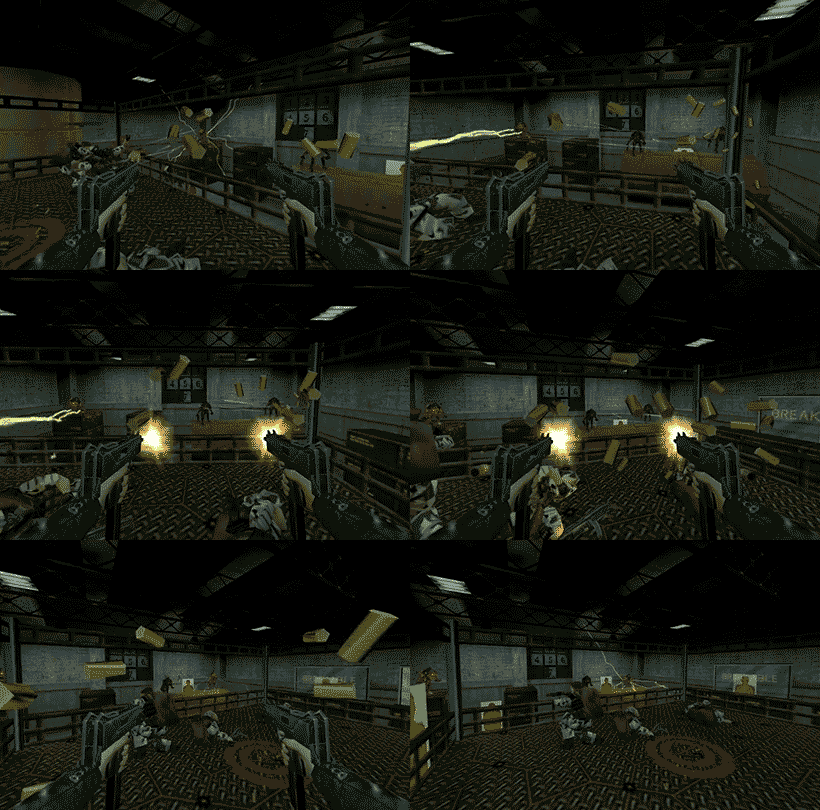
Half-Payne is a gameplay mod for Half-Life inspired by Max Payne. It adds features that make the game more dynamic and cinematic: bullet time with a charge indicator, shootdodge jumps in any direction, painkillers instead of medkits, and a redesigned health system in Max Payne style. The mod includes physical bullets with tracer effects, new weapons (such as dual Berettas and Desert Eagle), updated animations, and a redesigned HUD.
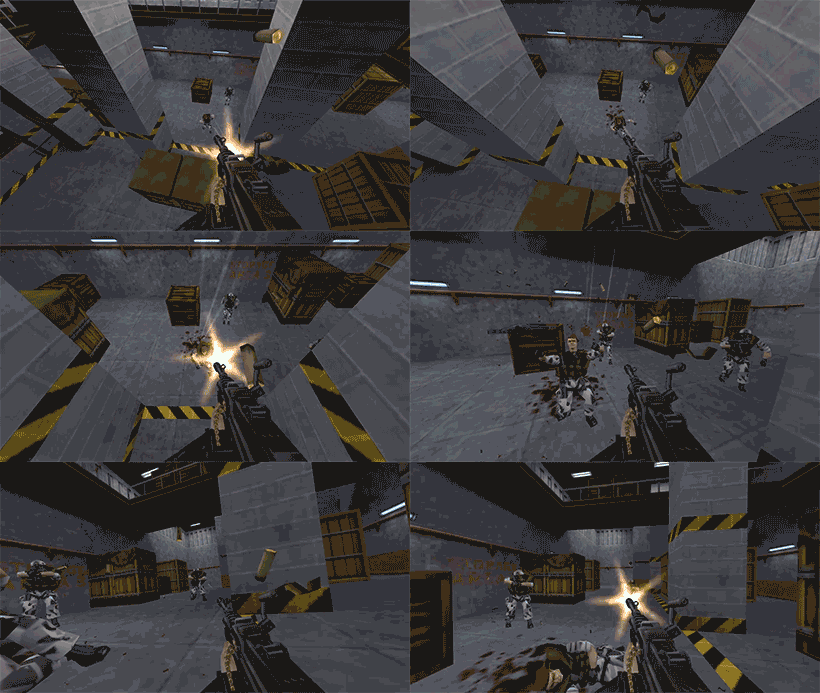
Besides the standard campaign, new game modes are available, including Black Mesa Minute (time attack) and Score Attack, as well as a system of custom game modes for varied gameplay. Weapons have been rebalanced, the classic player movement animation restored, and death camera and sound design evoke the Max Payne vibe. Half-Payne reimagines classic Half-Life, keeping its atmosphere while focusing on cinematic combat and new mechanics.
How to install a mod Half-Payne
Unpack the archive
Place the half_payne folder into the root directory of the game
(Optional) Copy the contents of the half_payne_hd folder into the mod folder to replace the models with HD versions.
Launch the game, go to the "Change game" menu and select the mod.
Play!
To avoid entering the "Change game" menu every time you start the mod, you can:
Option 1: Launch via shortcut
Go to the properties of hl.exe and in the Target field (for example: "D:\Games\Half-Life\hl.exe") add a space and then write -game followed by the name of the mod folder in the game root directory. It should look like this: "D:\Games\Half-Life\hl.exe" -game mod_folder_name
Apply the changes.
Launch the mod using this shortcut.
Option 2: Launch via Steam
Open Steam, click on the "Games" menu > "Add a Non-Steam Game".
Browse to the game folder and select hl.exe.
A shortcut will appear in your library.
Right-click on it, select Properties, and in the "Launch Options" field write the full path to hl.exe (for example: "D:\Steam\steamapps\common\Half-Life\hl.exe") and add -game plus the mod folder name after a space. It should look like this: "D:\Games\Half-Life\hl.exe" -game mod_folder_name
Launch the mod through this Steam shortcut.