
 Modbadger


Installation Instructions mod Median XL
Download the Median XL launcher.
Install Diablo II: LoD version 1.13c or newer.
Launch the Median XL launcher, specify the path to the installed game, and click "Install". The launcher will automatically download and install the mod.
Start the game via the launcher — just click "Play" after installation.
Guide to Improving Graphics in Median XL
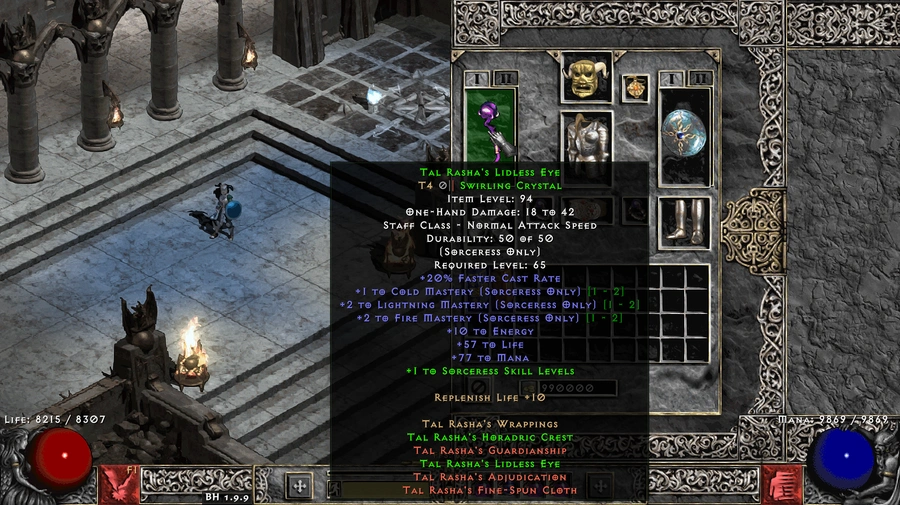
1. After installing the game, download the Diablo 2 LoD Glide/DDraw to OpenGL Wrapper (D2GL).
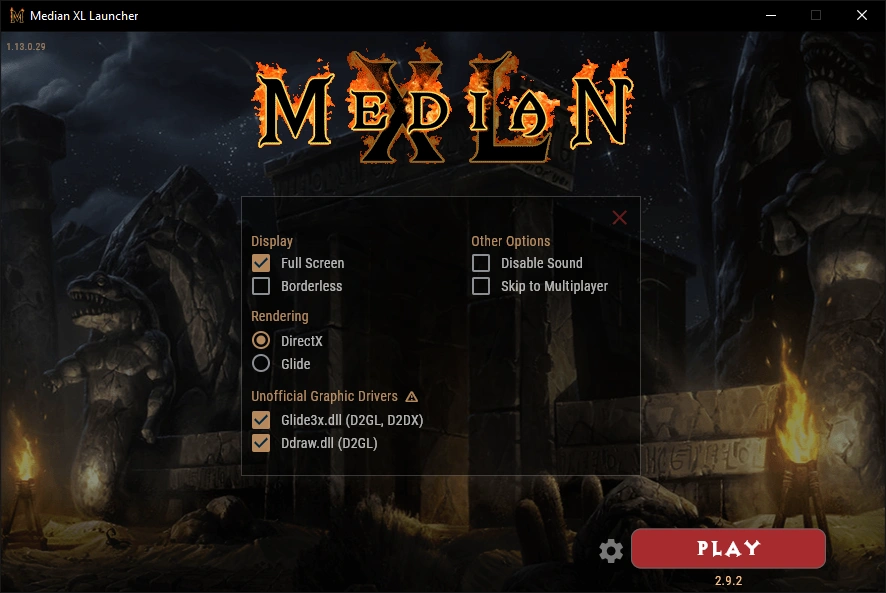
2. Open the launcher and click the settings icon (gear icon, next to the big red button)
3. Hover over the warning symbol next to "Unofficial Graphics Drivers", read and acknowledge this notice.
4. Check/Enable Glide3x.dll if you wish to use Glide as your rendering backend or Ddraw.dll for DDraw
5. Close the launcher.
6. Also, extract the files from Release.zip into the folder containing the launcher.
7. Open the launcher and launch your game if everything is up to date.
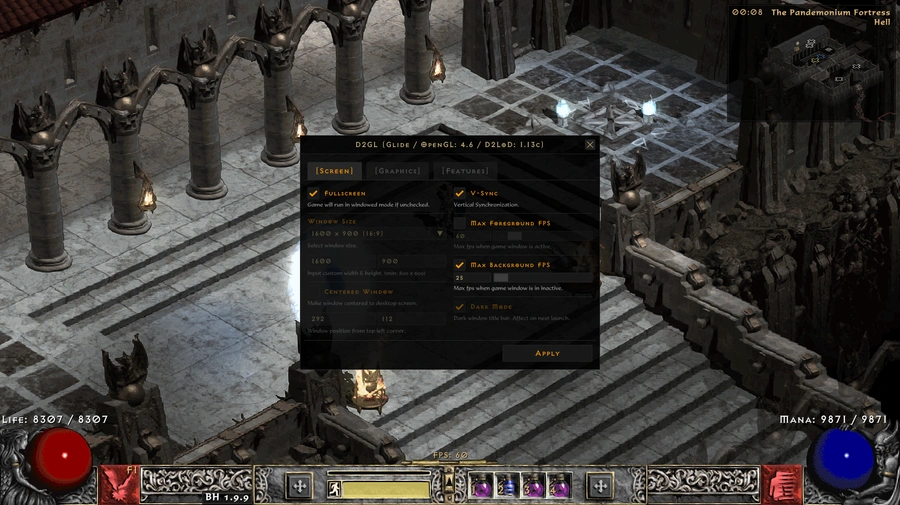
8. In-game, press Ctrl + O to open the settings menu. Here you can configure everything — from screen resolution and maximum FPS to image upscaling.
9. Play and enjoy!