
The Elder Scrolls II: Daggerfall Unity
Engine for The Elder Scrolls II: Daggerfall (1996) | Category: Recreated engines
Author: Interkarma | Curator:  Modbadger
Engine for The Elder Scrolls II: Daggerfall (1996) | Category: Recreated engines
Author: Interkarma | Curator: Modbadger
The Elder Scrolls II: Daggerfall Unity is an unofficial remake/port of The Elder Scrolls II: Daggerfall on the Unity engine, which makes the game compatible with modern systems and hardware, fixes old bugs, improves graphics, adds convenient features, support for high-resolution screens, mods, and localizations.


Localizations:

Localizations:
The engine is localized into 1 language
(You don’t need to download anything extra to play in these languages)
Daggerfall Unity is developed by a community of enthusiasts and allows running the classic game on modern computers without emulators and compatibility issues. It uses the original game resources — textures, models, music, and sounds — but all game code and logic are reimplemented from scratch, making the game more stable and flexible.
The main goal of Daggerfall Unity is to preserve the spirit and mechanics of the original game while eliminating the technical limitations of 1996. The game has received graphics improvements, support for widescreen displays and high resolutions, as well as modern controls and interface, making it more convenient for modern players. The project allows choosing whether to play in classic VGA mode or in an enhanced visual version.
Special attention is paid to community and modding. Thanks to Unity, it became easier to create and install modifications, graphics improvements, new quests, as well as localizations in different languages. It's thanks to Daggerfall Unity that the old Daggerfall became accessible to a new generation of players and received a second life in modern form.
Despite numerous improvements, the engine preserves the features of the original game: procedural dungeon generation, a huge open world, and complex faction and quest mechanics. Some archaic interface and design elements remain, allowing you to feel the unique atmosphere of the mid-90s, while avoiding critical bugs and limitations of the original release.
Overall, Daggerfall Unity is simply the best way to play Daggerfall now. It's simultaneously an accurate recreation of the original and a modern modding tool, allowing exploration of the game's huge world with comfort and stability unavailable in older versions.
How to install an engine The Elder Scrolls II: Daggerfall Unity
1. Extract the archive.
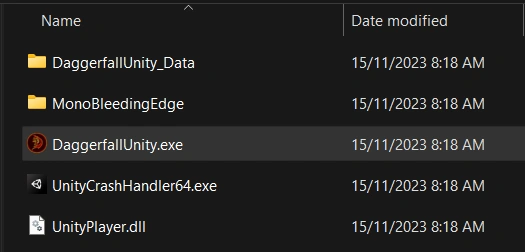
2. Go to the folder where you extracted the Daggerfall Unity archive and launch the game through DaggerfallUnity.exe
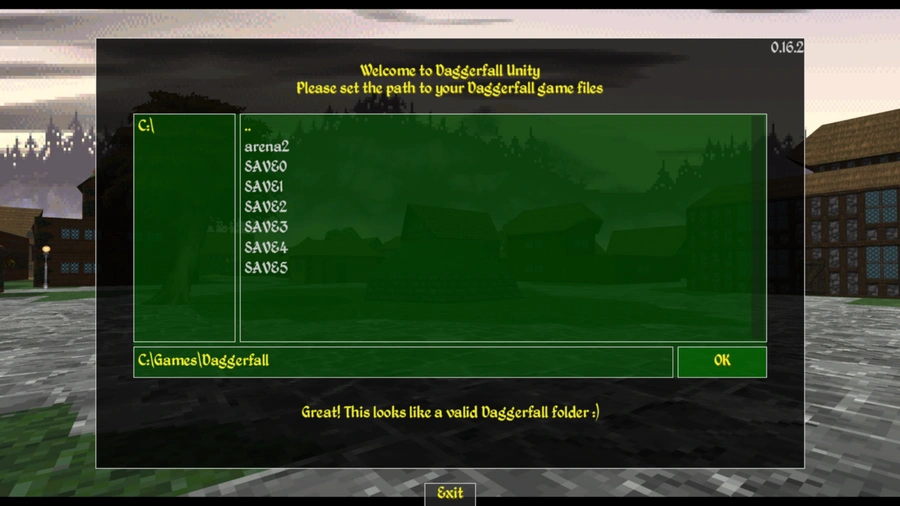
3. On the first launch of the game, you will need to specify the path to the game files that you unpacked in the first step for Daggerfall Unity, for example C:\Games\Daggerfall. If everything was unpacked correctly, the launcher window will turn green, as shown below.
4. Click "OK" and select your native screen resolution and click "Test".
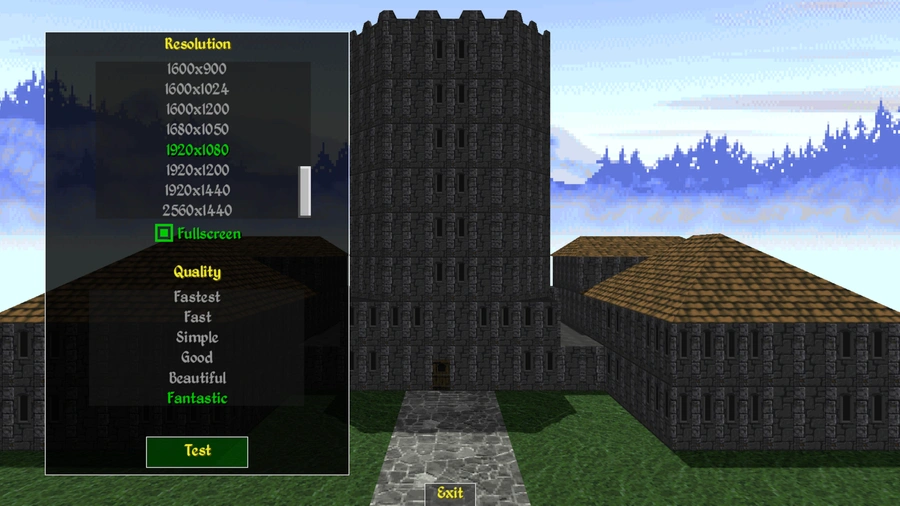
5. Done! If you're satisfied with the other settings, you can click "Play" and start playing.
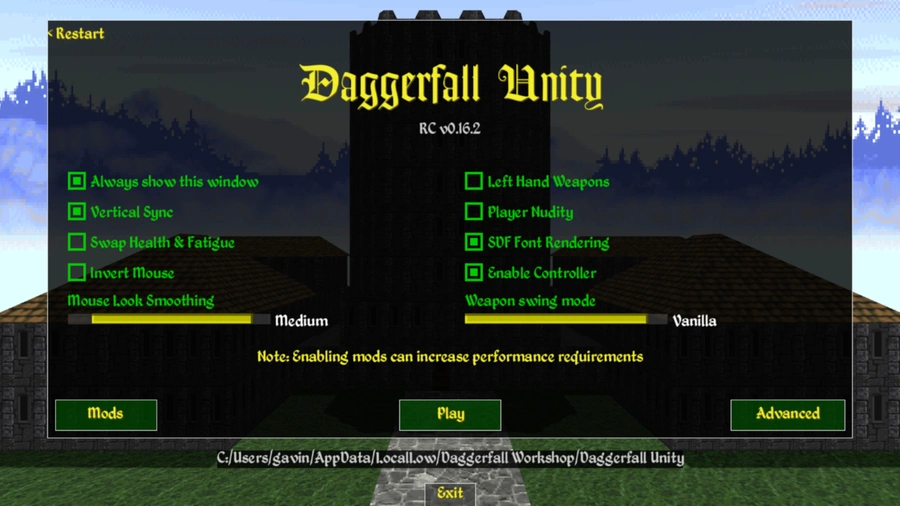
By going to the "Mods" menu, you can manage your mods, enable, disable, and even unpack them for modding.
References