




 Modbadger


Installation Instructions engine The Elder Scrolls II: Daggerfall Unity
1. Extract the archive.
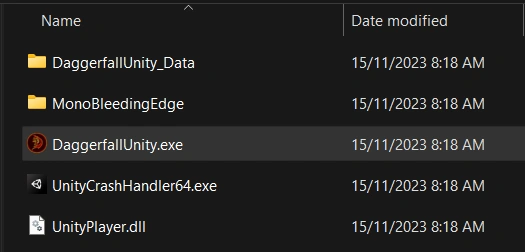
2. Go to the folder where you extracted the Daggerfall Unity archive and launch the game through DaggerfallUnity.exe
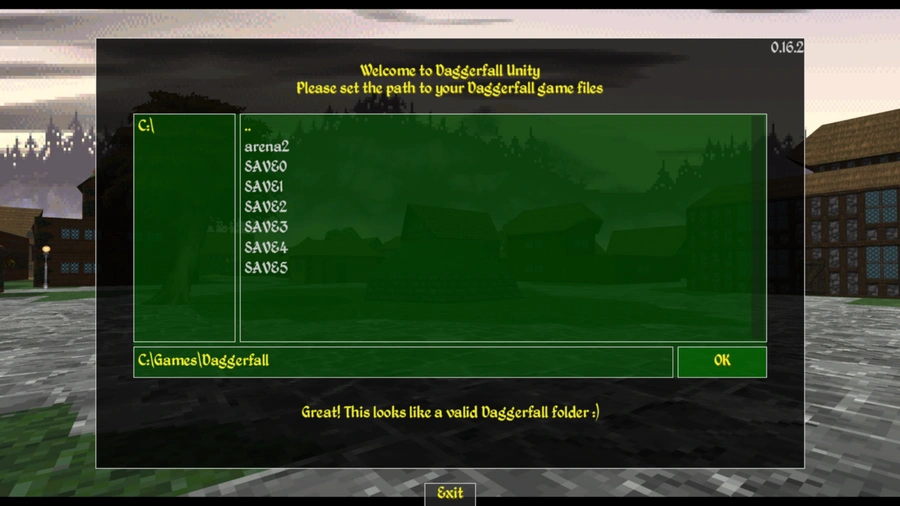
3. On the first launch of the game, you will need to specify the path to the game files that you unpacked in the first step for Daggerfall Unity, for example C:\Games\Daggerfall. If everything was unpacked correctly, the launcher window will turn green, as shown below.
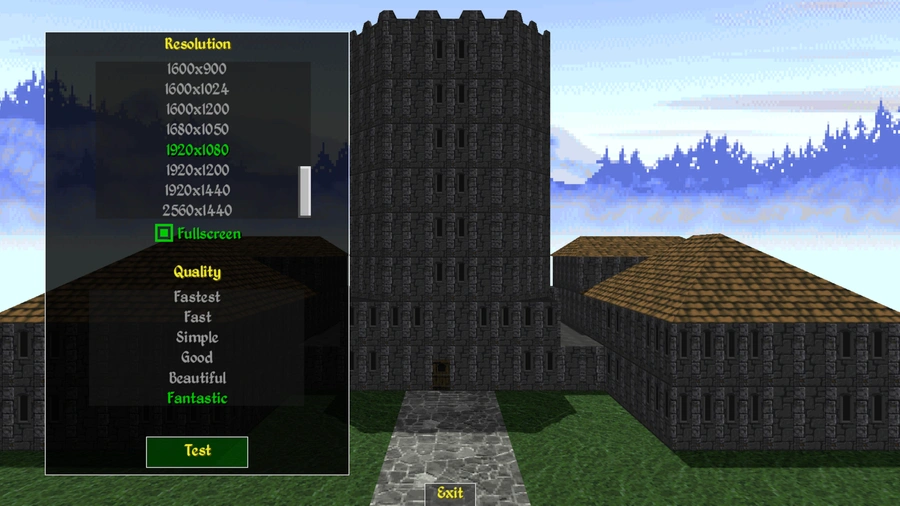
4. Click "OK" and select your native screen resolution and click "Test".
5. Done! If you're satisfied with the other settings, you can click "Play" and start playing.
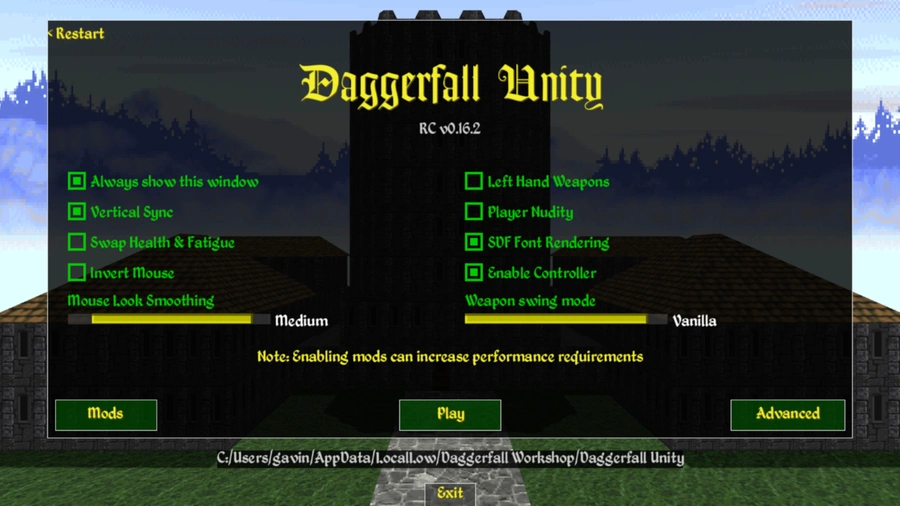
By going to the "Mods" menu, you can manage your mods, enable, disable, and even unpack them for modding.